
RabbitSubtitle field guide
A subtitle quality-control checklist
Catch naming, punctuation, timing, translation, and export errors before publishing.
Before you begin
- Keep the video and its matching SRT together.
Click-by-click
01
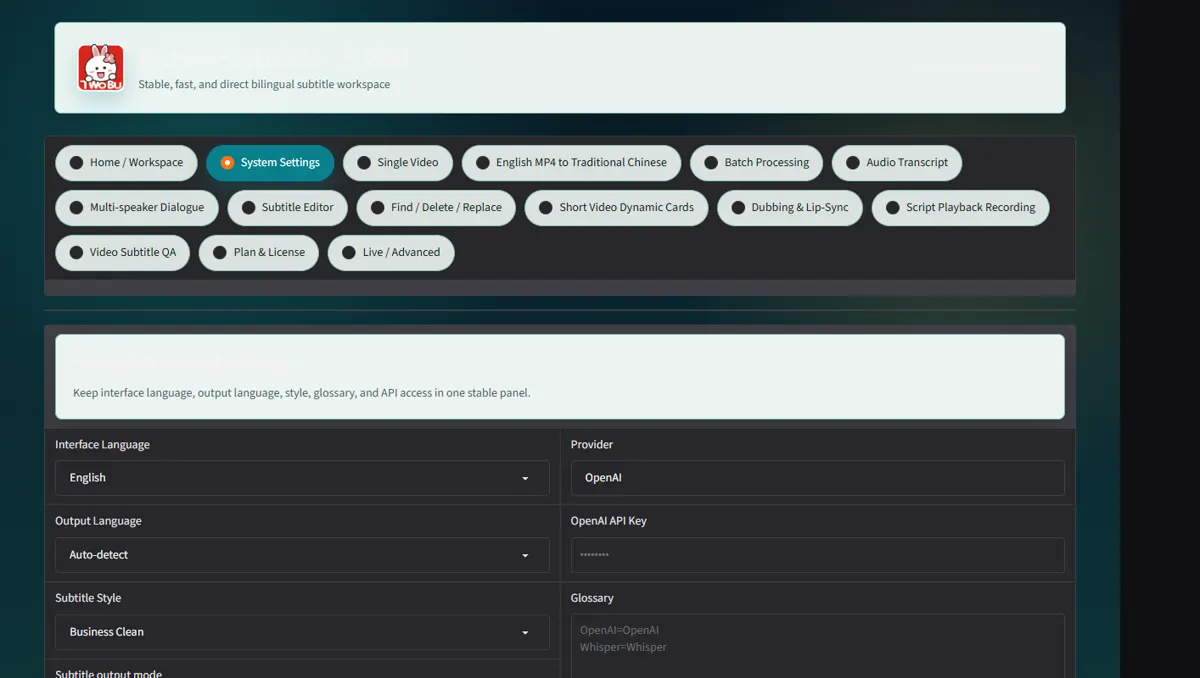
Open Video Subtitle QA and upload the matching assets
Open Video Subtitle QA and upload the matching assets.
 Open full-size screenshot ↗
02
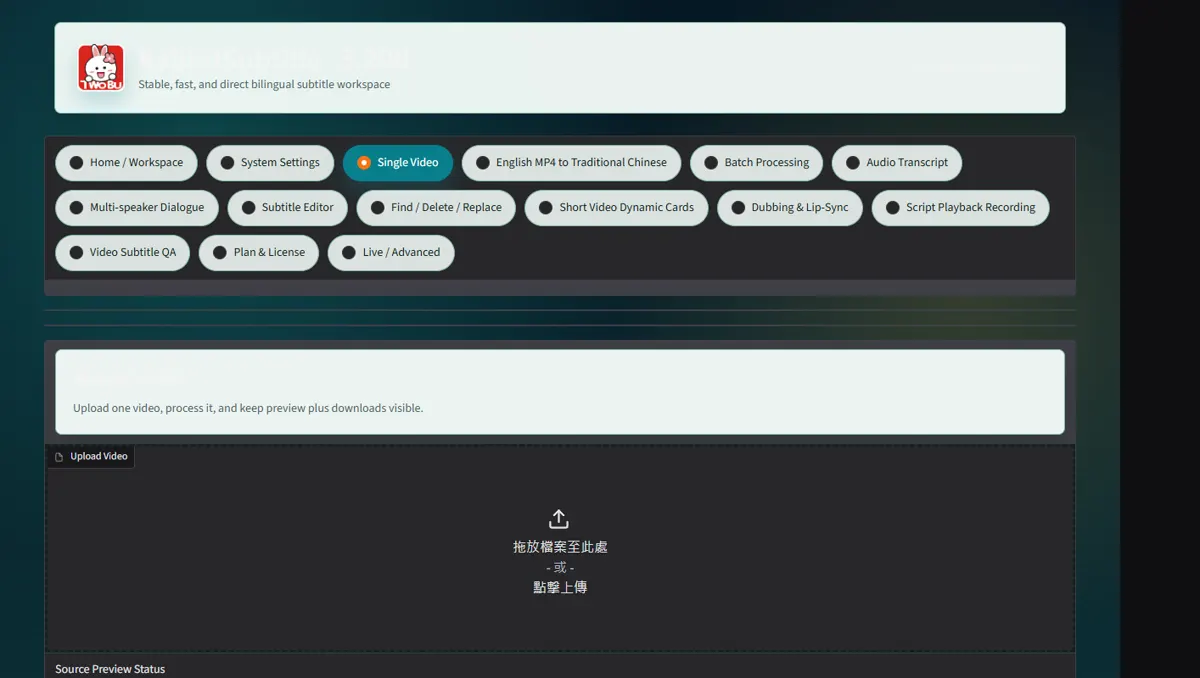
Choose Standard, Shorts or Strict according to the destination
Choose Standard, Shorts or Strict according to the destination.
 Open full-size screenshot ↗
03
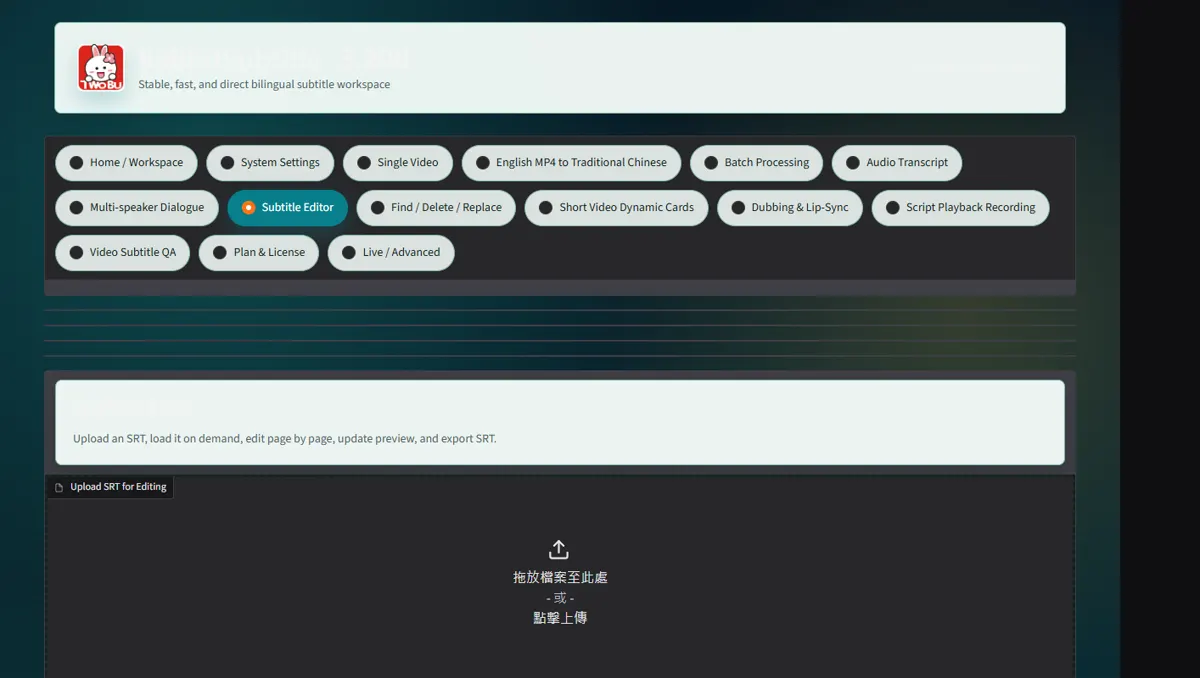
Run analysis, read every failed item, then use Auto-fix only for mechanical issues
Run analysis, read every failed item, then use Auto-fix only for mechanical issues.
 Open full-size screenshot ↗
04
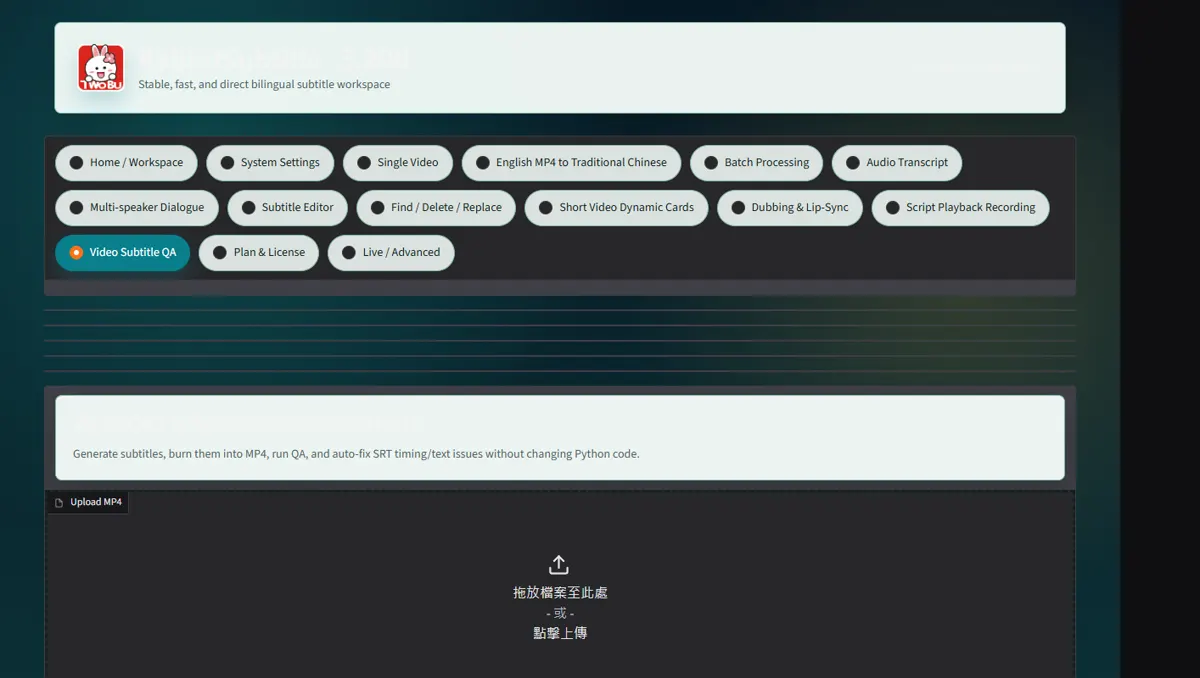
Download the report and corrected SRT/ASS/ZIP
Download the report and corrected SRT/ASS/ZIP; rewatch all changed cues.
 Open full-size screenshot ↗
What you receive
- Versioned output files and an auditable report
Troubleshooting
- Read the on-screen status and retry only the failed stage.
Final verification
- Open the result on another device and play it with sound.