
RabbitSubtitle field guide
Bilingual subtitles for YouTube creators
Build a repeatable path from edit lock to upload-ready subtitle files.
Before you begin
- Finish the YouTube edit and decide between selectable captions and burned-in reach.
Click-by-click
01
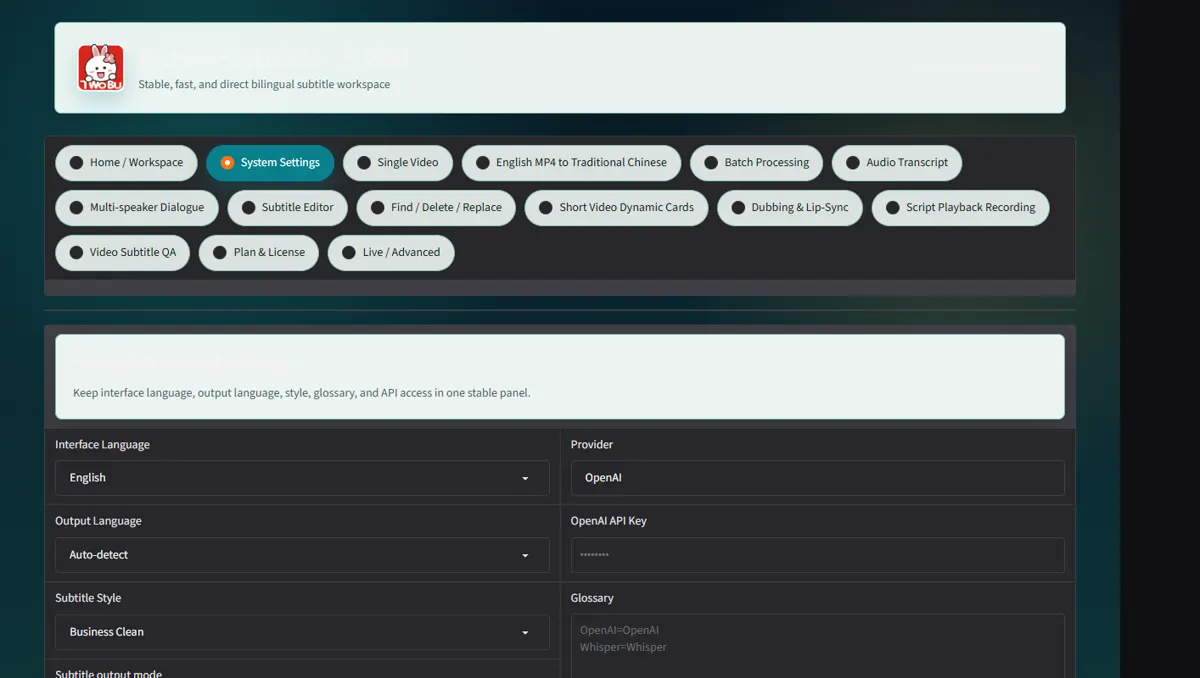
Generate bilingual SRT in Single Video with the final upload master
Generate bilingual SRT in Single Video with the final upload master.
 Open full-size screenshot ↗
02
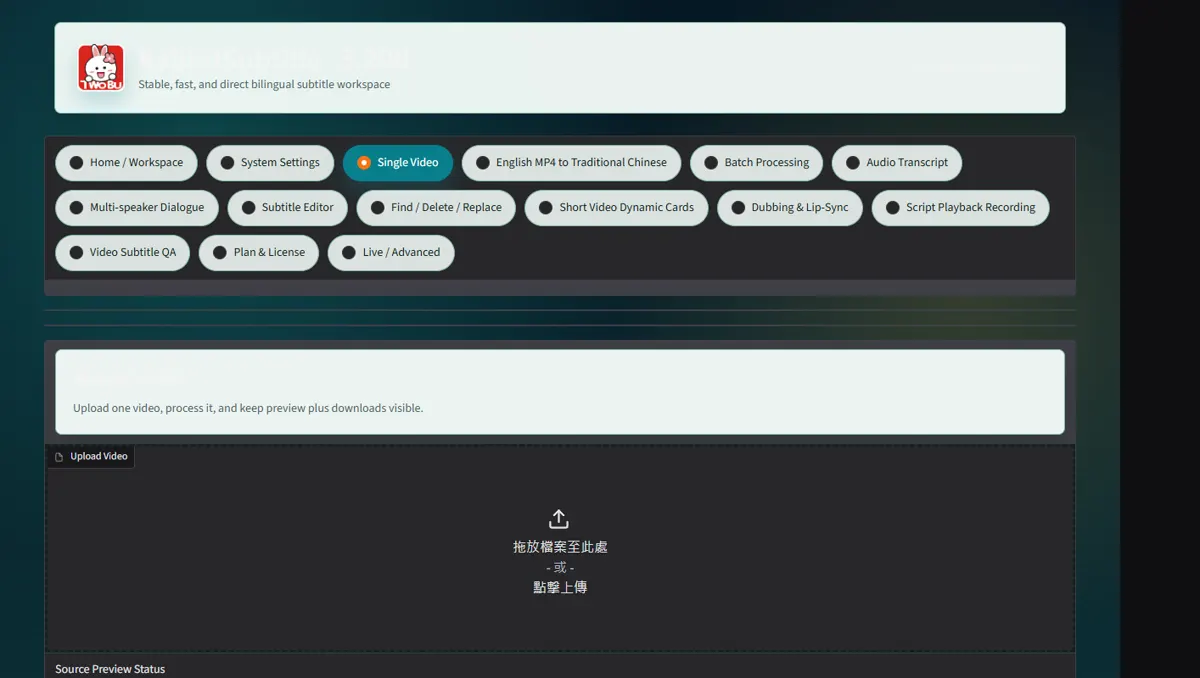
Review title terms, channel names and calls to action in Subtitle Editor
Review title terms, channel names and calls to action in Subtitle Editor.
 Open full-size screenshot ↗
03
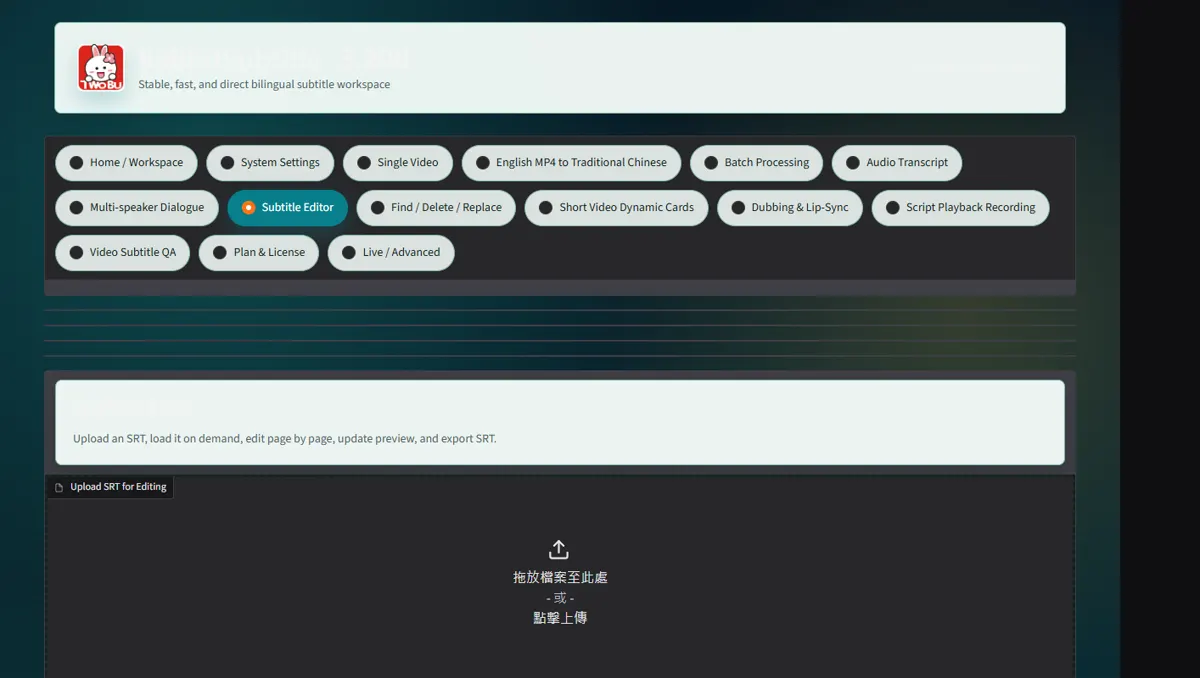
Download SRT for YouTube Studio and MP4 for platforms that cannot select caption tracks
Download SRT for YouTube Studio and MP4 for platforms that cannot select caption tracks.
 Open full-size screenshot ↗
04
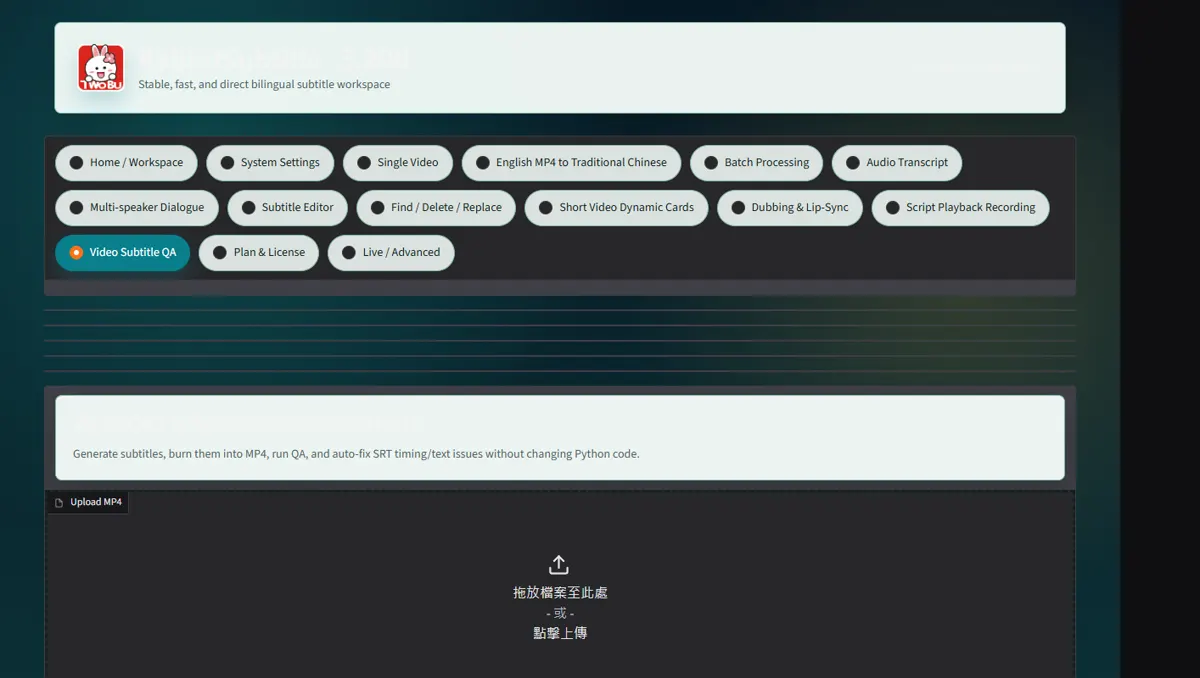
After upload, inspect desktop and mobile playback and correct platform timing if needed
After upload, inspect desktop and mobile playback and correct platform timing if needed.
 Open full-size screenshot ↗
What you receive
- Versioned output files and an auditable report
Troubleshooting
- Read the on-screen status and retry only the failed stage.
Final verification
- Open the result on another device and play it with sound.