
RabbitSubtitle field guide
MP4 or SRT: choosing the right subtitle export
Choose burned-in video for reach or subtitle files for flexibility and accessibility.
Before you begin
- Decide whether viewers need selectable, editable, or permanently visible subtitles.
Click-by-click
01
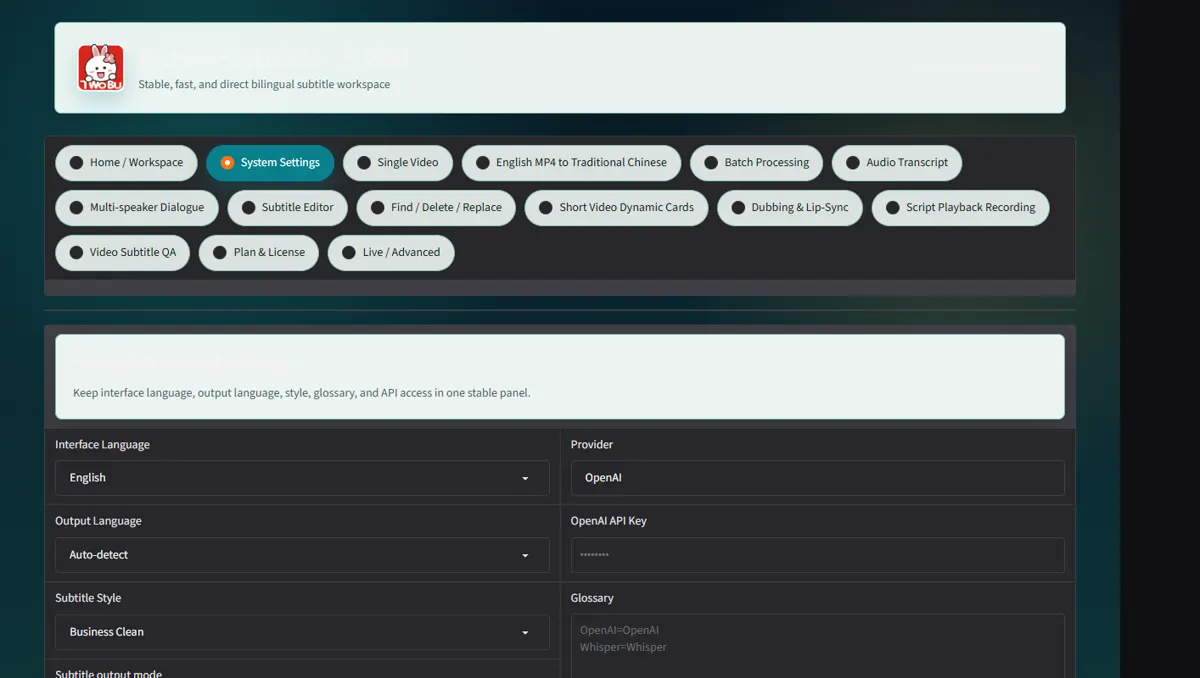
In Settings choose subtitle output mode and whether to Burn into video
In Settings choose subtitle output mode and whether to Burn into video.
 Open full-size screenshot ↗
02
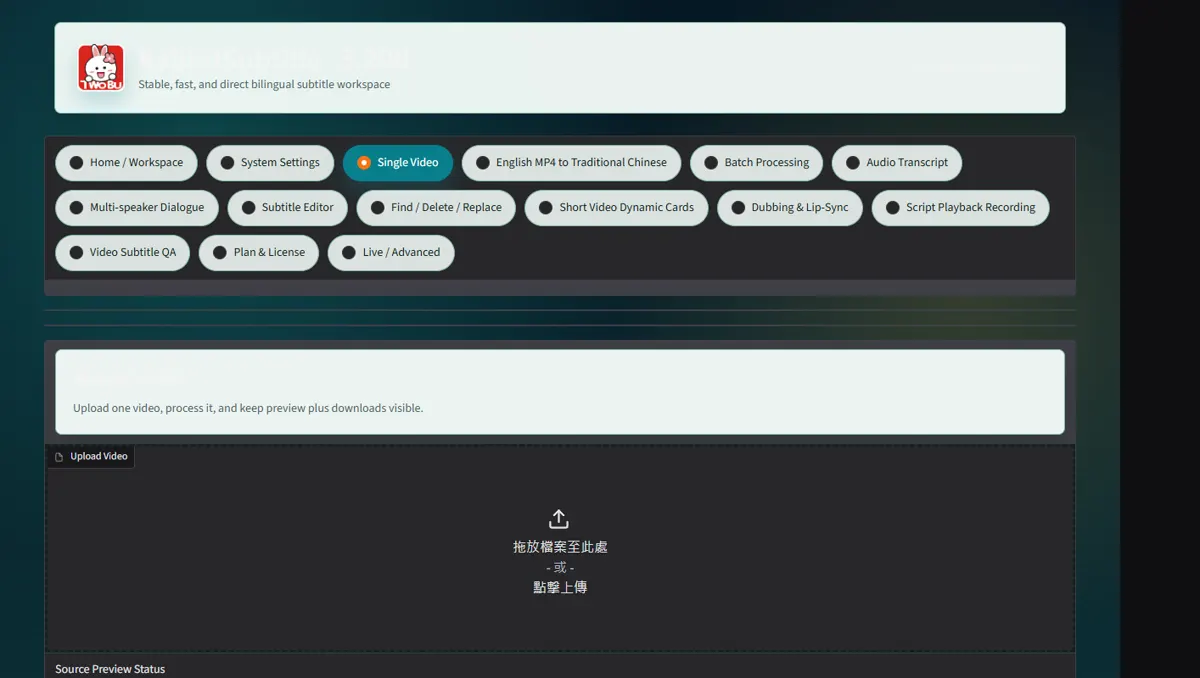
Run one short sample before a long export and inspect line position and safe area
Run one short sample before a long export and inspect line position and safe area.
 Open full-size screenshot ↗
03
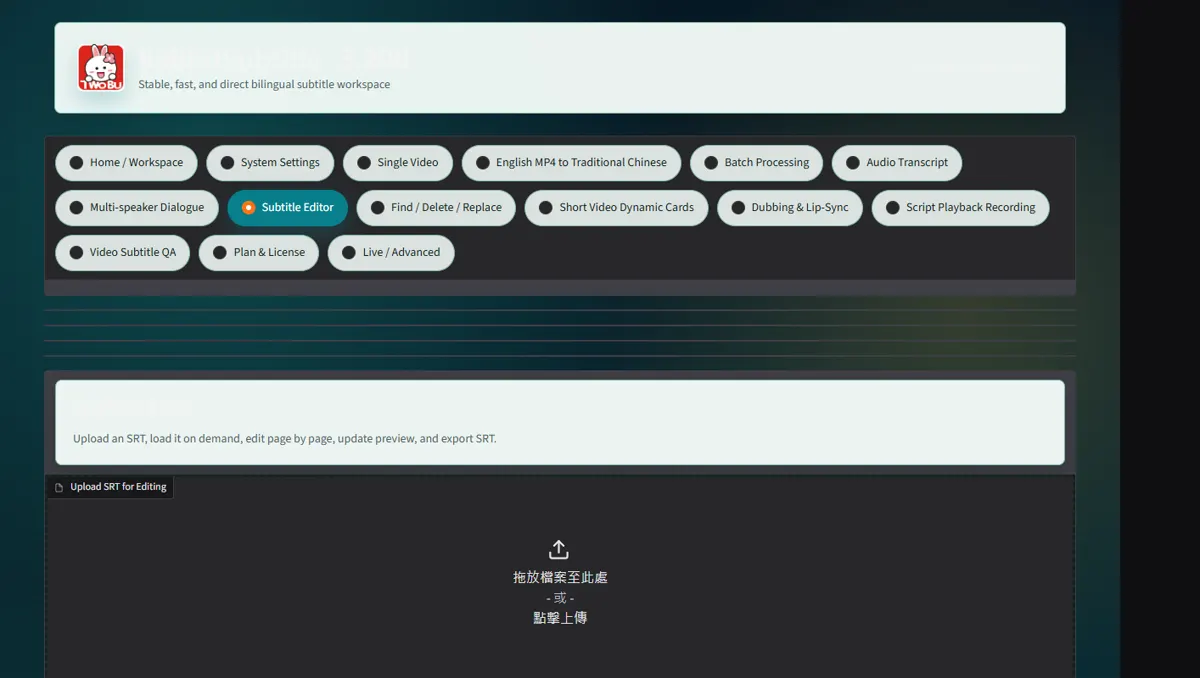
Use SRT/VTT when platforms or editors need a separate track
Use SRT/VTT when platforms or editors need a separate track; use MP4 when appearance must be fixed.
 Open full-size screenshot ↗
04
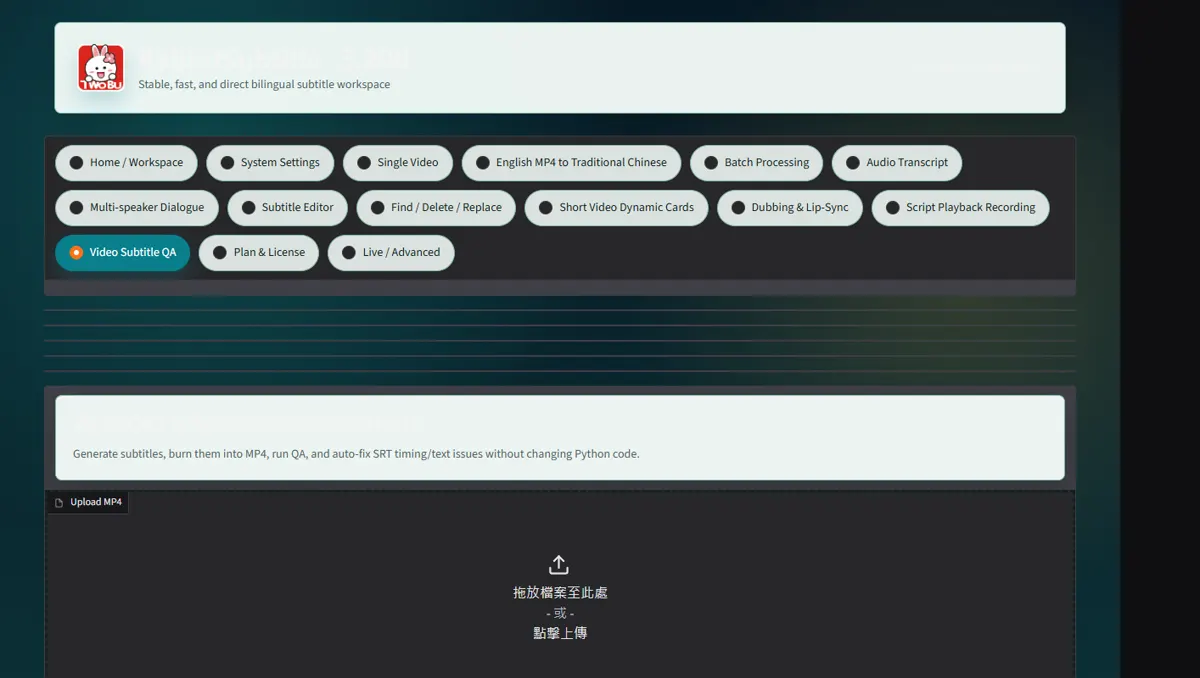
Deliver the matching pair with versioned names and verify both on another device
Deliver the matching pair with versioned names and verify both on another device.
 Open full-size screenshot ↗
What you receive
- Versioned output files and an auditable report
Troubleshooting
- Read the on-screen status and retry only the failed stage.
Final verification
- Open the result on another device and play it with sound.