
RabbitSubtitle field guide
Using your own OpenAI API key safely
Separate app licensing from AI usage and protect the key on your Windows device.
Before you begin
- Create an API key in your own OpenAI project and set a spending limit.
Click-by-click
01
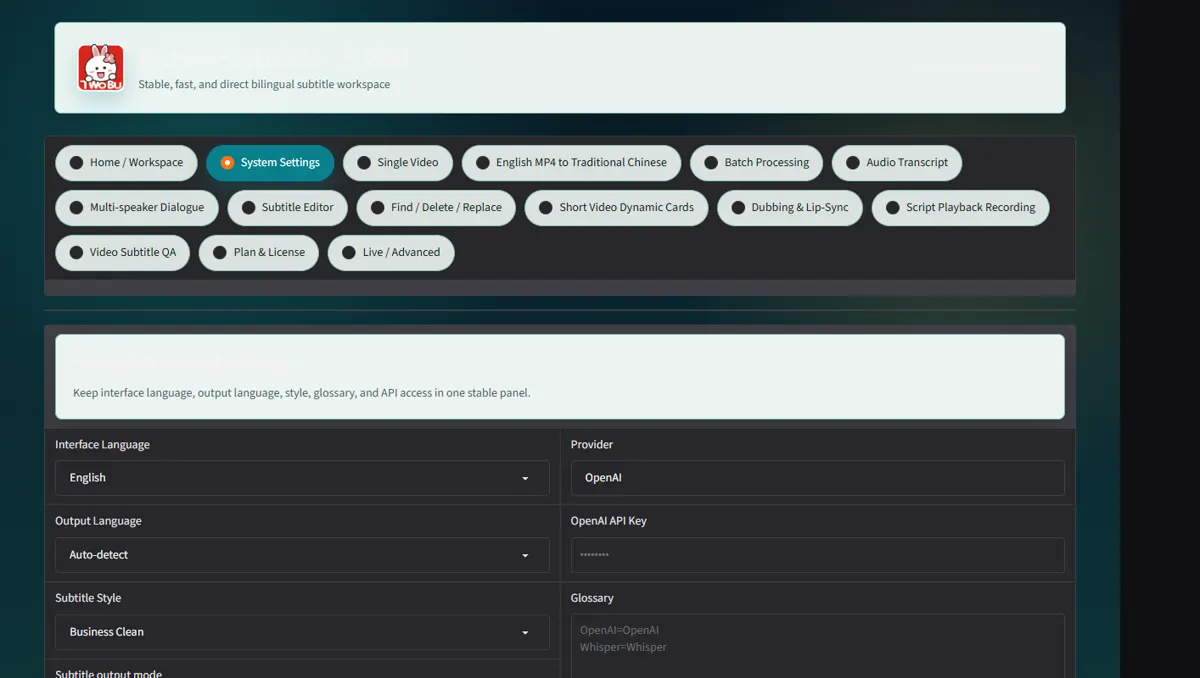
Open System Settings and locate the masked API key field
Open System Settings and locate the masked API key field.
 Open full-size screenshot ↗
02
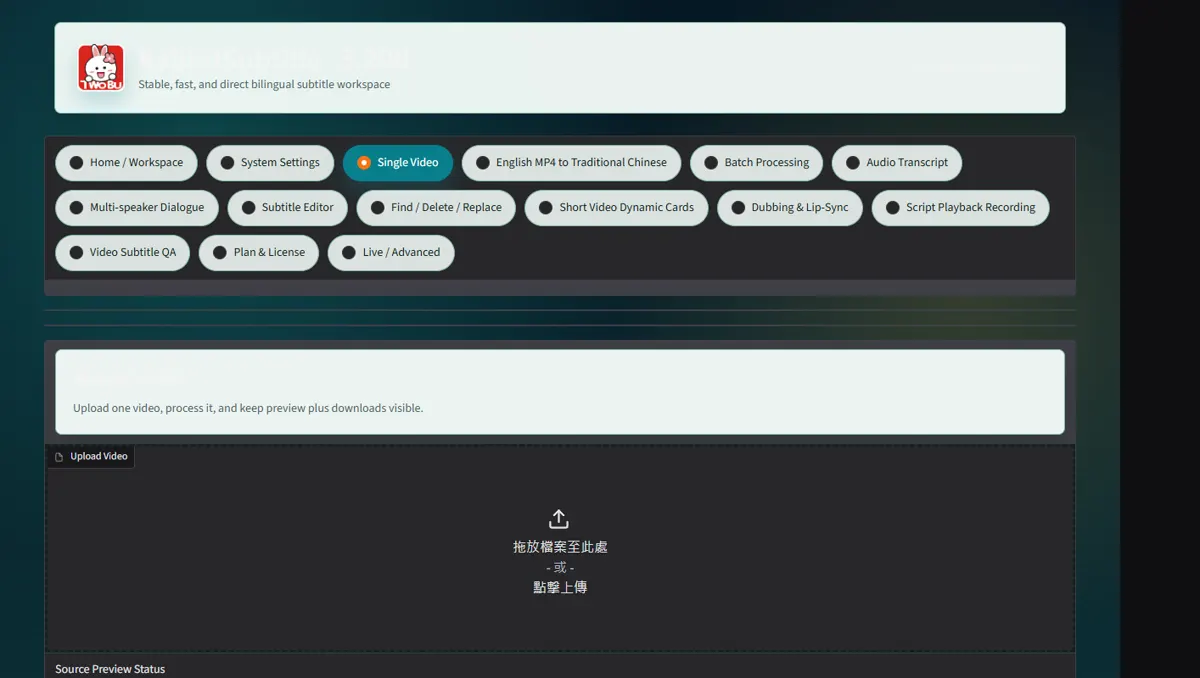
Paste the key once and click Save API key
Paste the key once and click Save API key; confirm the status changes to configured.
 Open full-size screenshot ↗
03
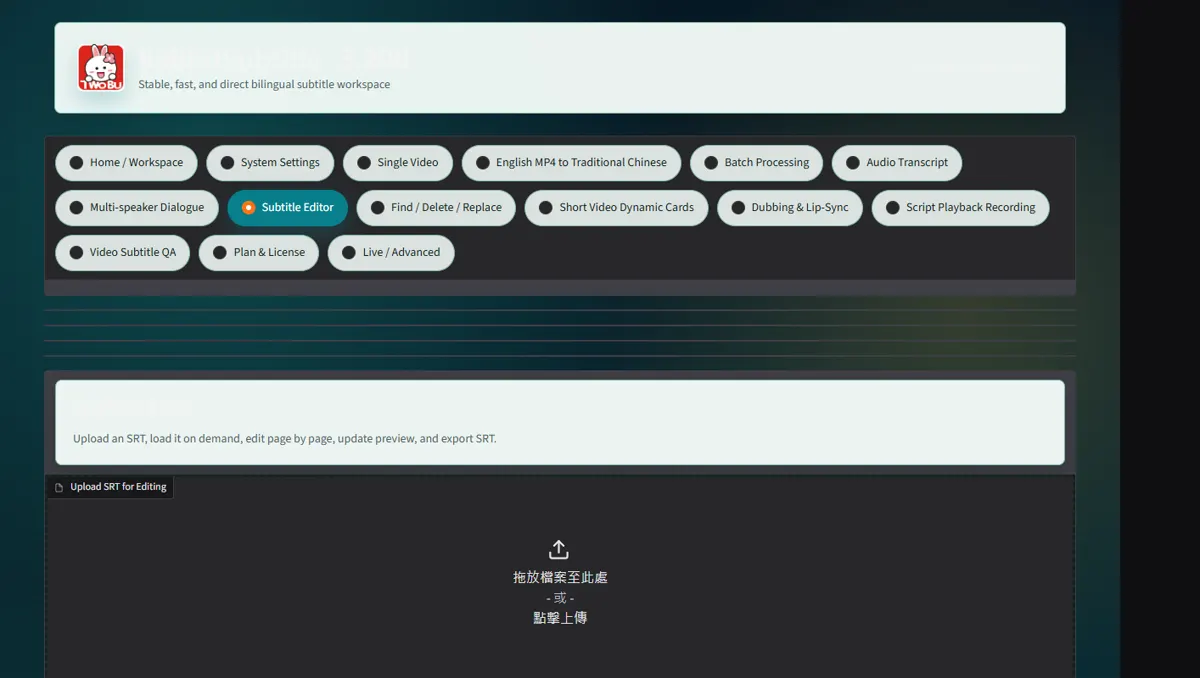
Close and reopen RabbitSubtitle to confirm Windows DPAPI can retrieve it for the same account
Close and reopen RabbitSubtitle to confirm Windows DPAPI can retrieve it for the same account.
 Open full-size screenshot ↗
04
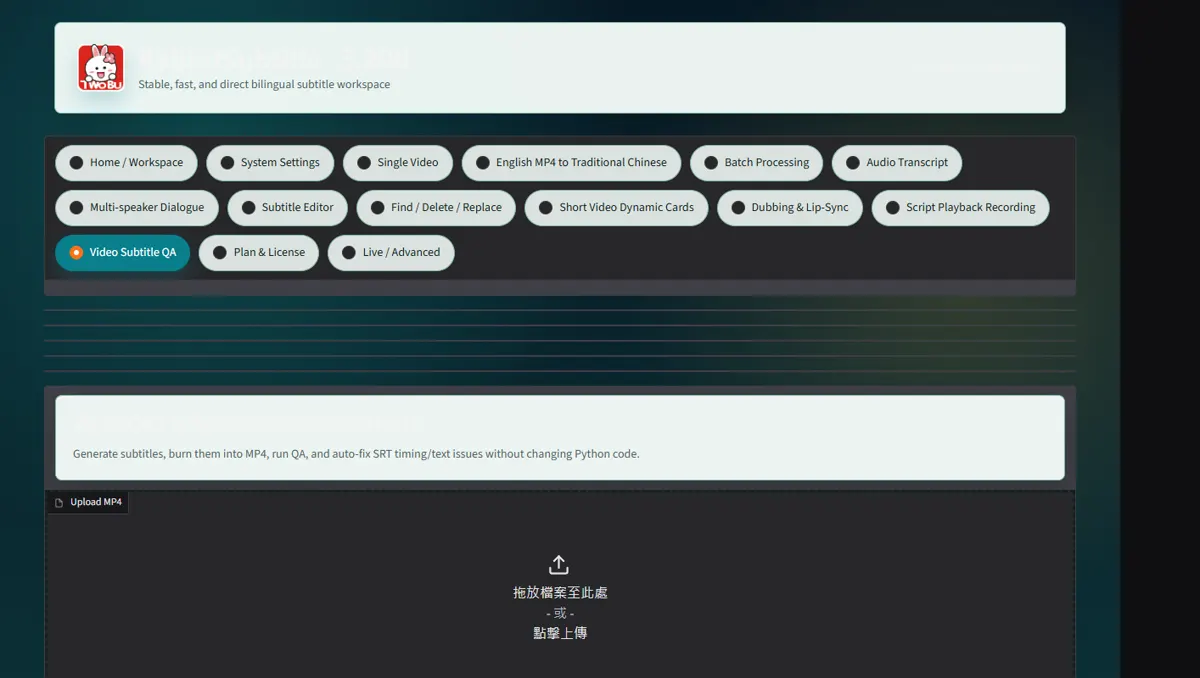
If authentication fails, revoke the old key at OpenAI, create a replacement and save it again
If authentication fails, revoke the old key at OpenAI, create a replacement and save it again.
 Open full-size screenshot ↗
What you receive
- Versioned output files and an auditable report
Troubleshooting
- Read the on-screen status and retry only the failed stage.
Final verification
- Open the result on another device and play it with sound.