
RabbitSubtitle field guide
How to translate SRT files without breaking timing
Preserve timecodes, line length, reading speed, and speaker intent.
Before you begin
- Prepare a valid UTF-8 SRT and a terminology list.
Click-by-click
01
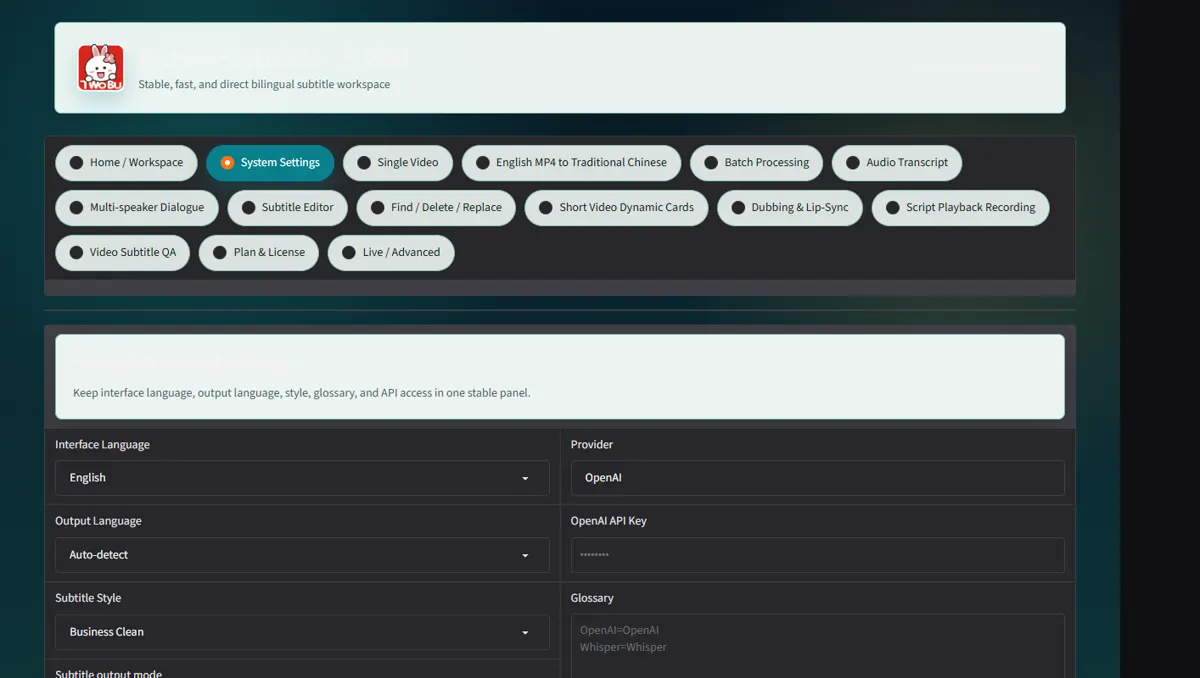
Load the SRT in Subtitle Editor and confirm numbering and time order
Load the SRT in Subtitle Editor and confirm numbering and time order.
 Open full-size screenshot ↗
02
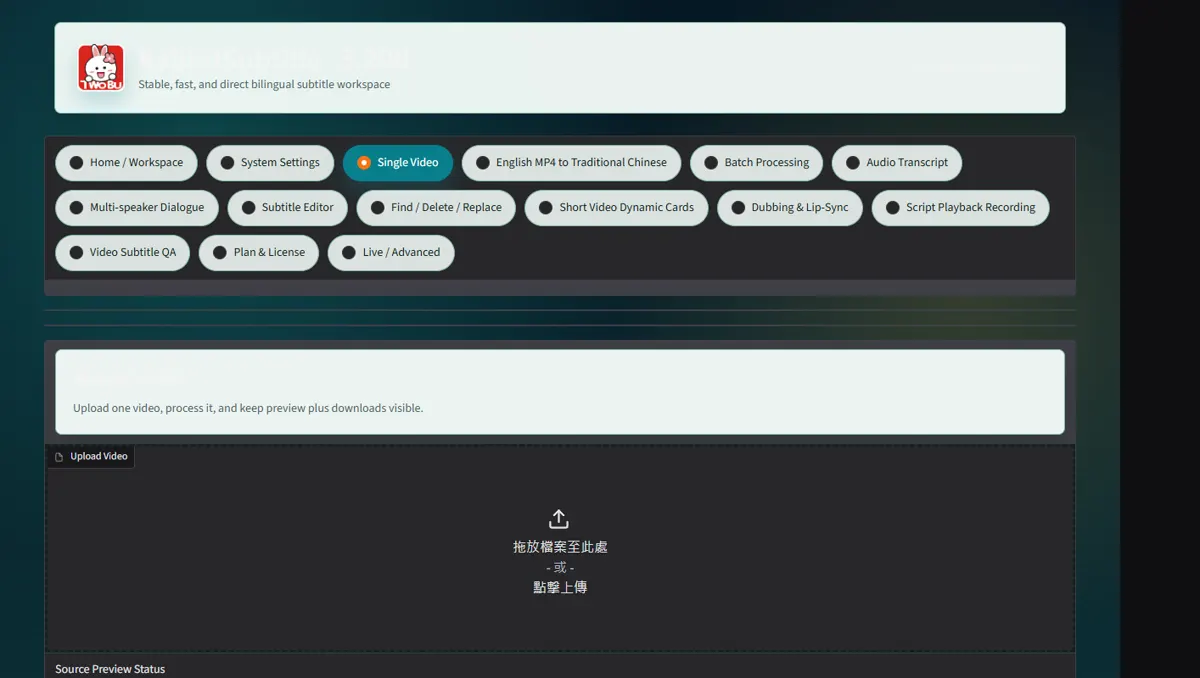
Apply translation or replacement rules without editing timestamps in a word processor
Apply translation or replacement rules without editing timestamps in a word processor.
 Open full-size screenshot ↗
03
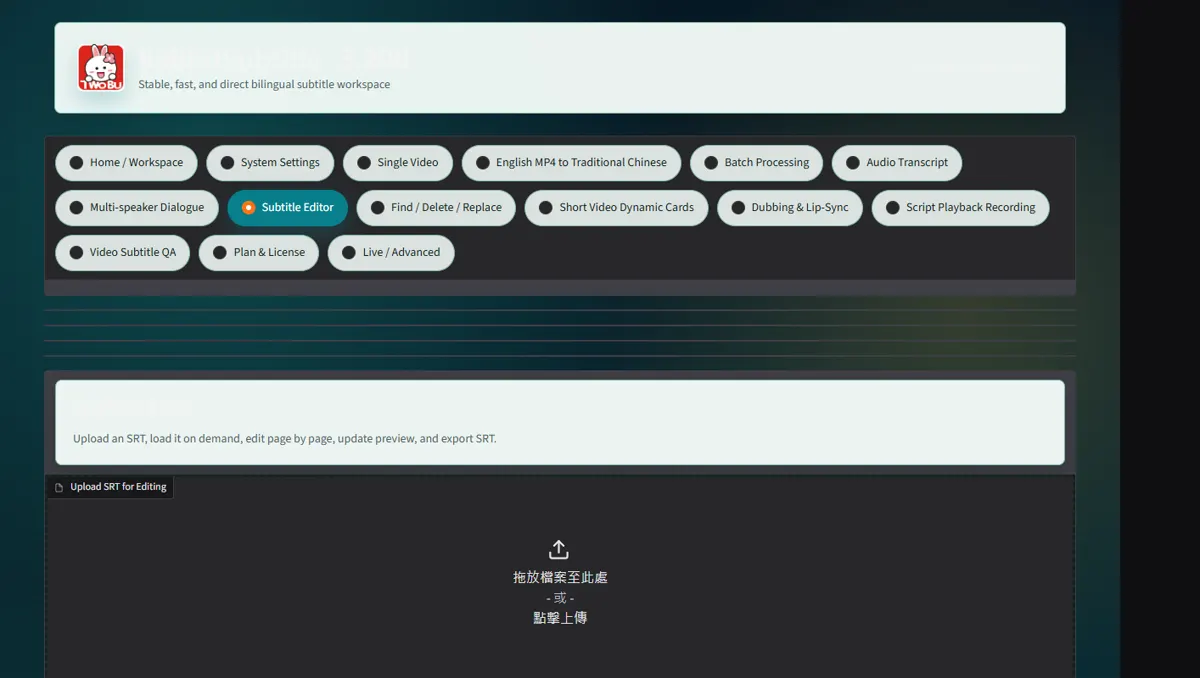
Use frame snap and overlap repair only when the video frame rate is known
Use frame snap and overlap repair only when the video frame rate is known.
 Open full-size screenshot ↗
04
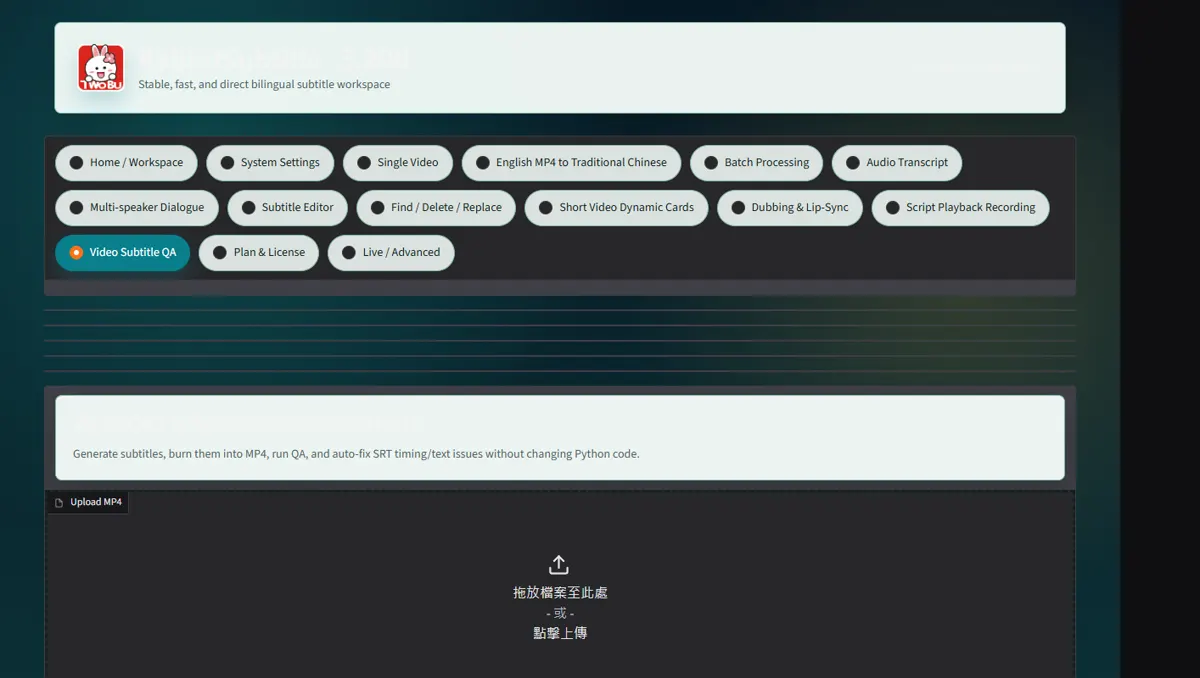
Export a new SRT and compare cue count and first/last timestamps with the original
Export a new SRT and compare cue count and first/last timestamps with the original.
 Open full-size screenshot ↗
What you receive
- Versioned output files and an auditable report
Troubleshooting
- Read the on-screen status and retry only the failed stage.
Final verification
- Open the result on another device and play it with sound.