
RabbitSubtitle field guide
A practical bilingual subtitle workflow
Plan source and translated lines together so timing and meaning stay aligned.
Before you begin
- Prepare a locked video and an active OpenAI API key.
Click-by-click
01
Open Settings
Open Settings; choose the target language, Bilingual output, pacing, style and glossary; then click Save settings.
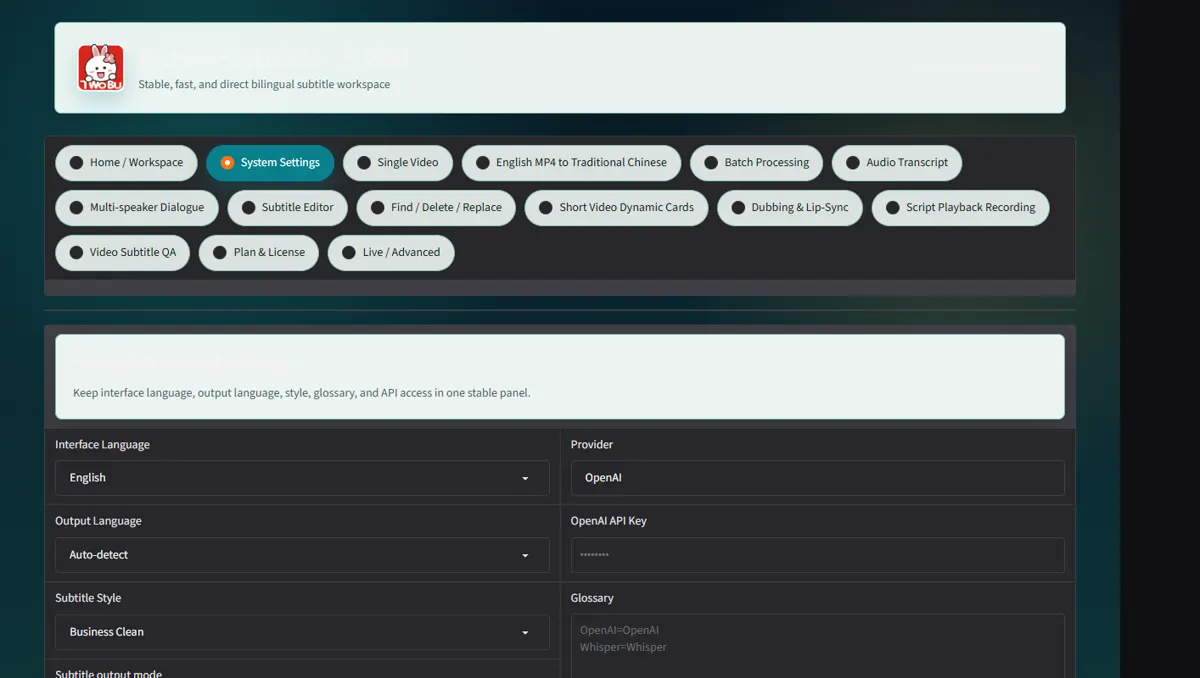 Open full-size screenshot ↗
02
Open Single video and upload the locked source file
Open Single video and upload the locked source file.
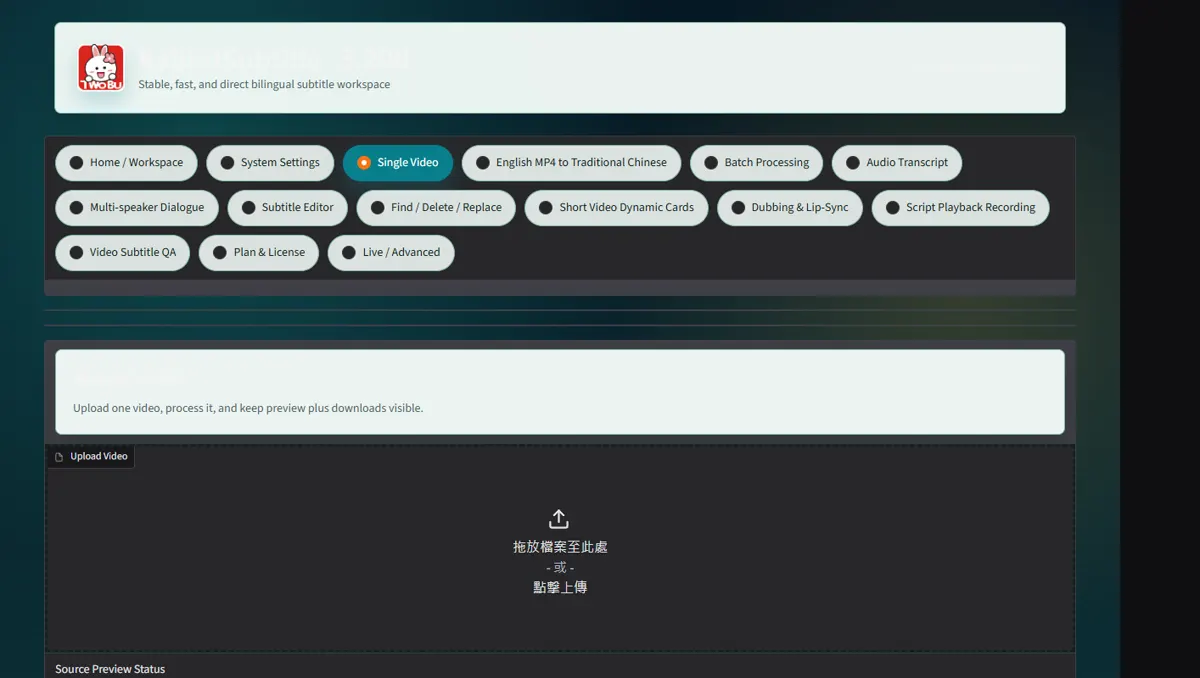 Open full-size screenshot ↗
03
Click Start single processing
Click Start single processing; keep the page open while transcription and translation run.
Open full-size screenshot ↗04
Review SRT names, numbers, line breaks and timing
Review SRT names, numbers, line breaks and timing; upload the revised SRT under Re-burn Revised SRT when needed.
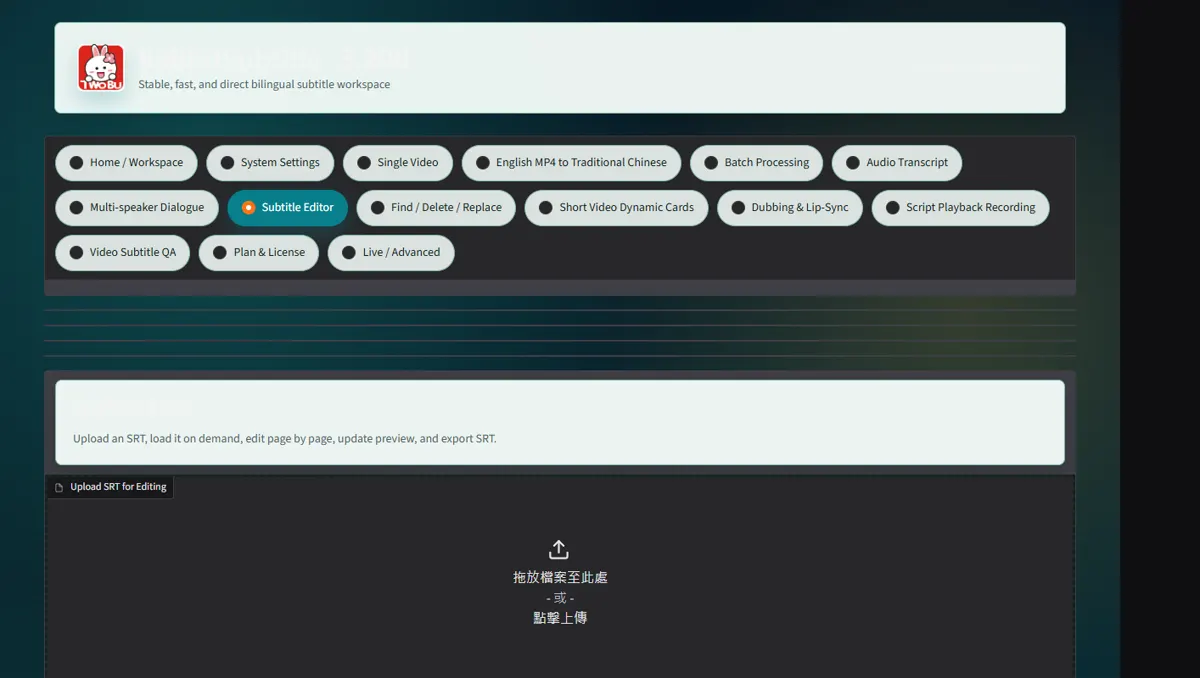 Open full-size screenshot ↗
What you receive
- Bilingual SRT/VTT
- Burned-in MP4 and job ZIP
Troubleshooting
- Authentication errors: save a valid API key in Settings.
- Timing drift: return to the locked source and regenerate or retime in Subtitle Editor.
Final verification
- Play the full MP4 with sound.
- Open the SRT in a second player and confirm upper/lower language order.