
RabbitSubtitle field guide
Why local subtitle processing matters
Understand what stays on your computer and when an online service receives audio or text.
Before you begin
- Confirm the source may be processed and save the API key only through Settings.
Click-by-click
01
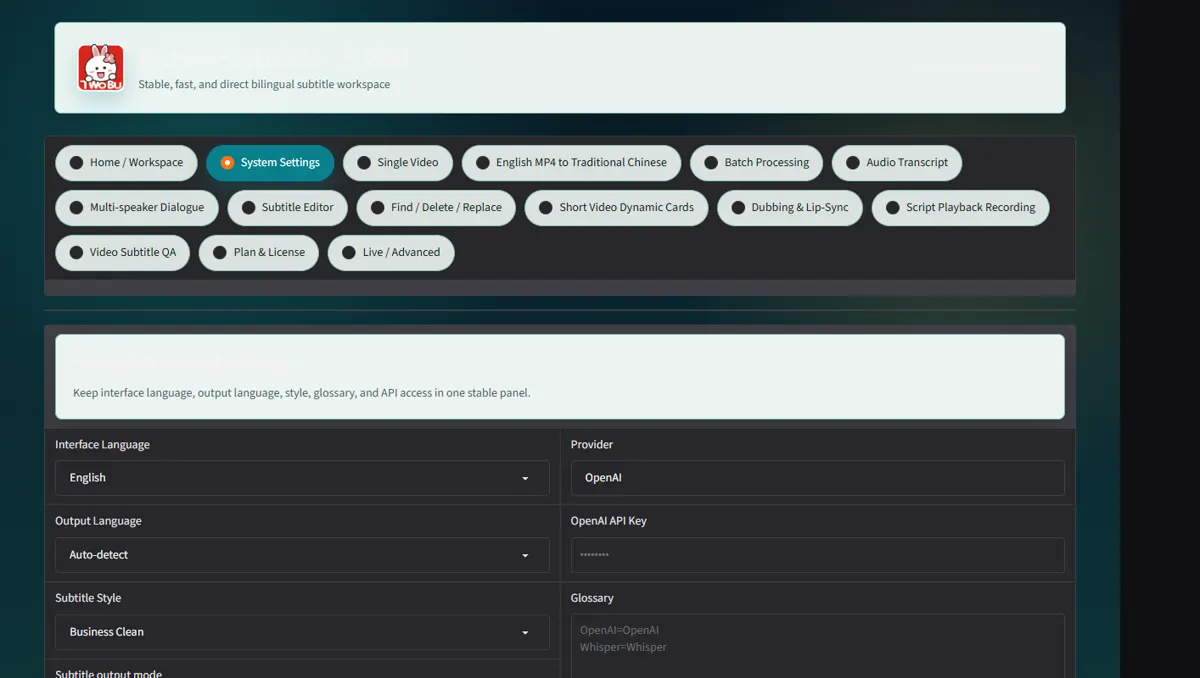
Open Settings and read the API status without revealing the key
Open Settings and read the API status without revealing the key.
 Open full-size screenshot ↗
02
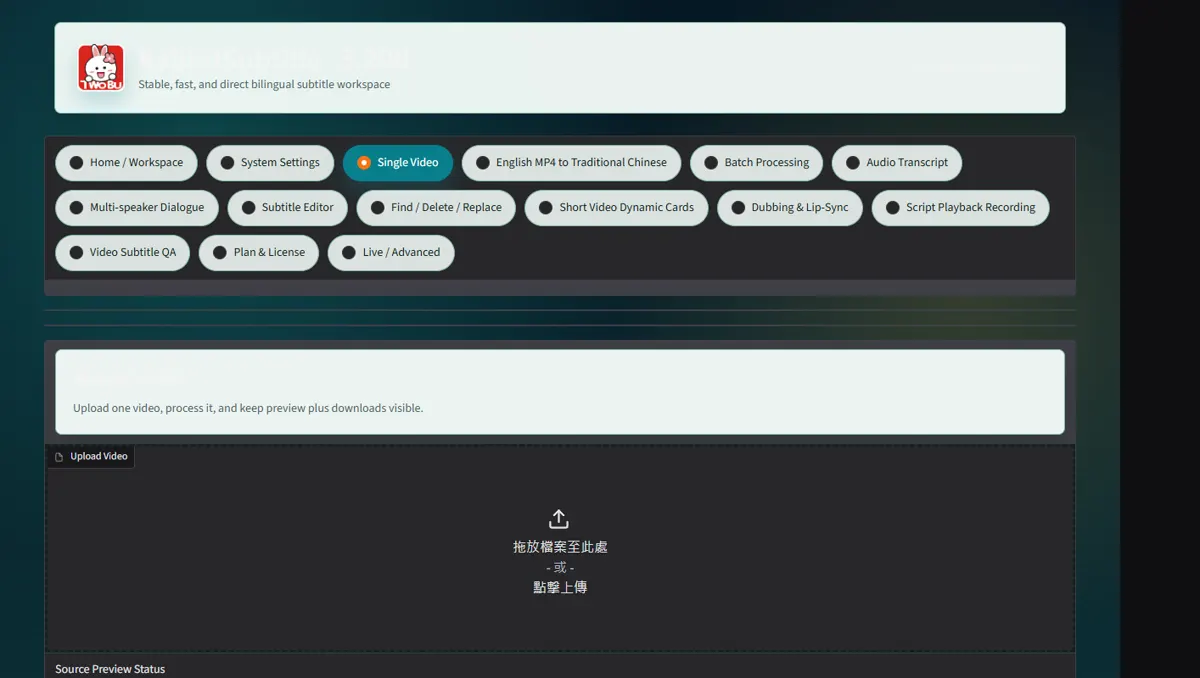
Upload one local video in Single Video
Upload one local video in Single Video; the browser sends it only to the local app.
 Open full-size screenshot ↗
03
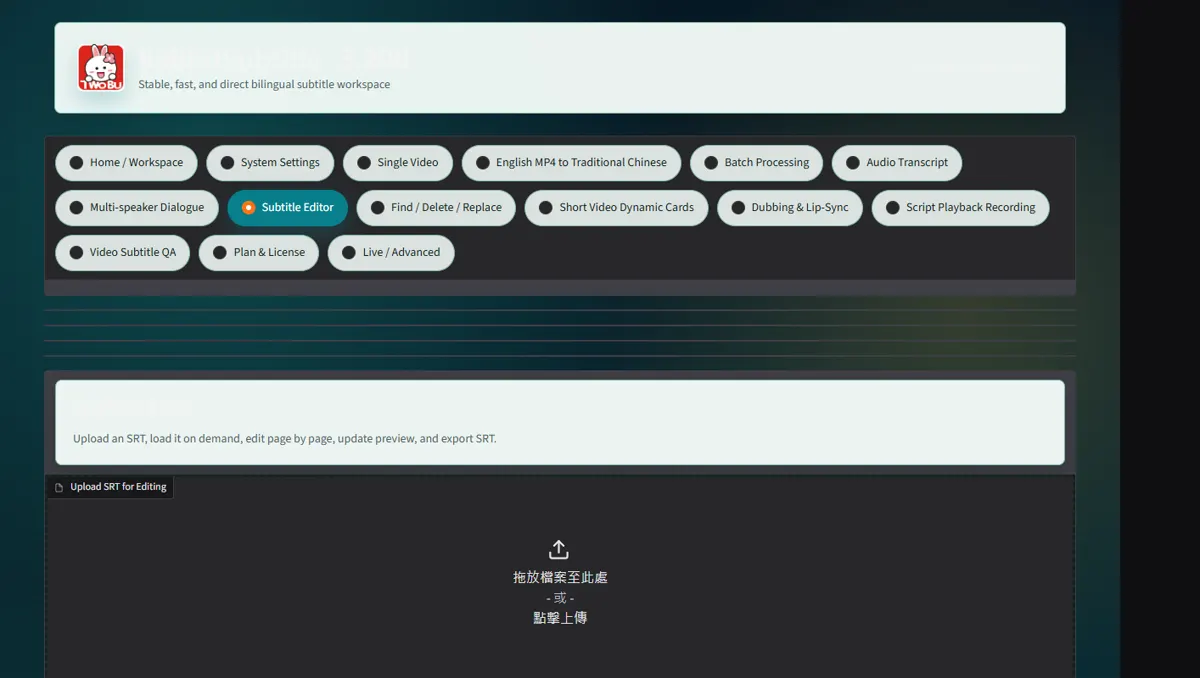
Run the job and distinguish local FFmpeg work from text requests sent to the selected AI provider
Offline narration processes your text on your computer. When you choose online transcription, the required audio is sent to OpenAI; online translation sends the relevant text. Choosing HeyGen sends the selected video to that service. RabbitSubtitle’s website does not receive those source files.
 Open full-size screenshot ↗
04
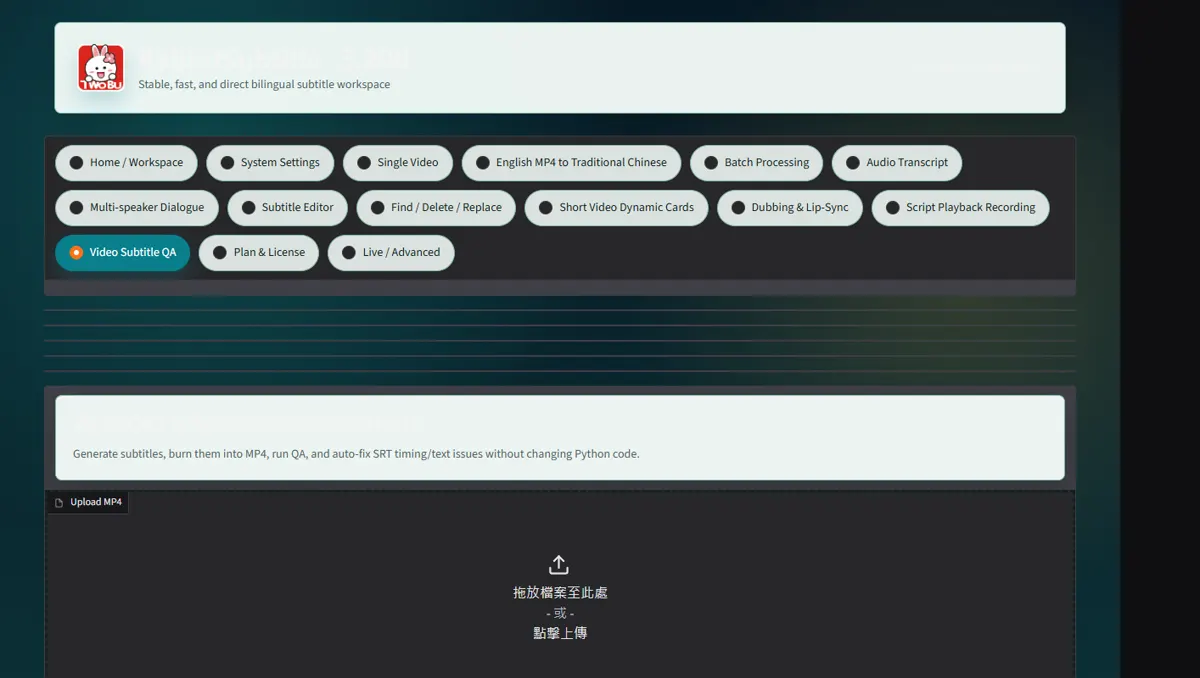
Delete temporary exports according to your retention policy after delivery
Delete temporary exports according to your retention policy after delivery.
 Open full-size screenshot ↗
What you receive
- Versioned output files and an auditable report
Troubleshooting
- Read the on-screen status and retry only the failed stage.
Final verification
- Open the result on another device and play it with sound.