
RabbitSubtitle field guide
Create Chinese or English narration
Turn Chinese or English words into narration you can use in your next video.
Before you begin
- All paid plans
- Windows 10/11, 64-bit. Allow at least 1 GB of free disk space for the voice pack and working files. Longer scripts need more space.
- Download the voice pack once (about 240 MB). You can also import a pack downloaded on another computer.
Click-by-click
01
Offline narration
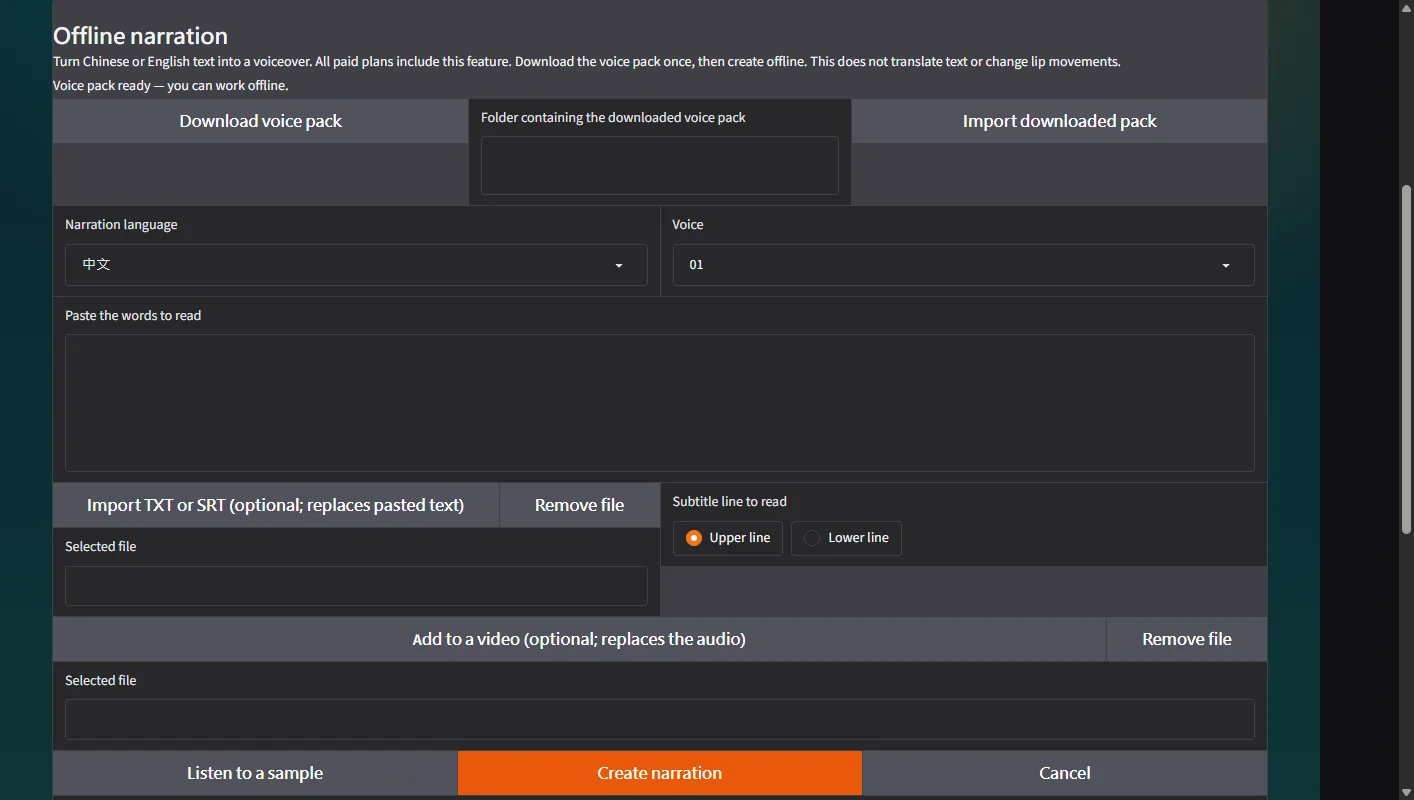
Open Offline narration in the left menu. Activate your paid plan if prompted.
 Open full-size screenshot ↗
02
Download voice pack
Click Download voice pack. Wait until the page says the pack is ready, or import the folder of a previously downloaded pack.
Open full-size screenshot ↗03
Listen to a sample
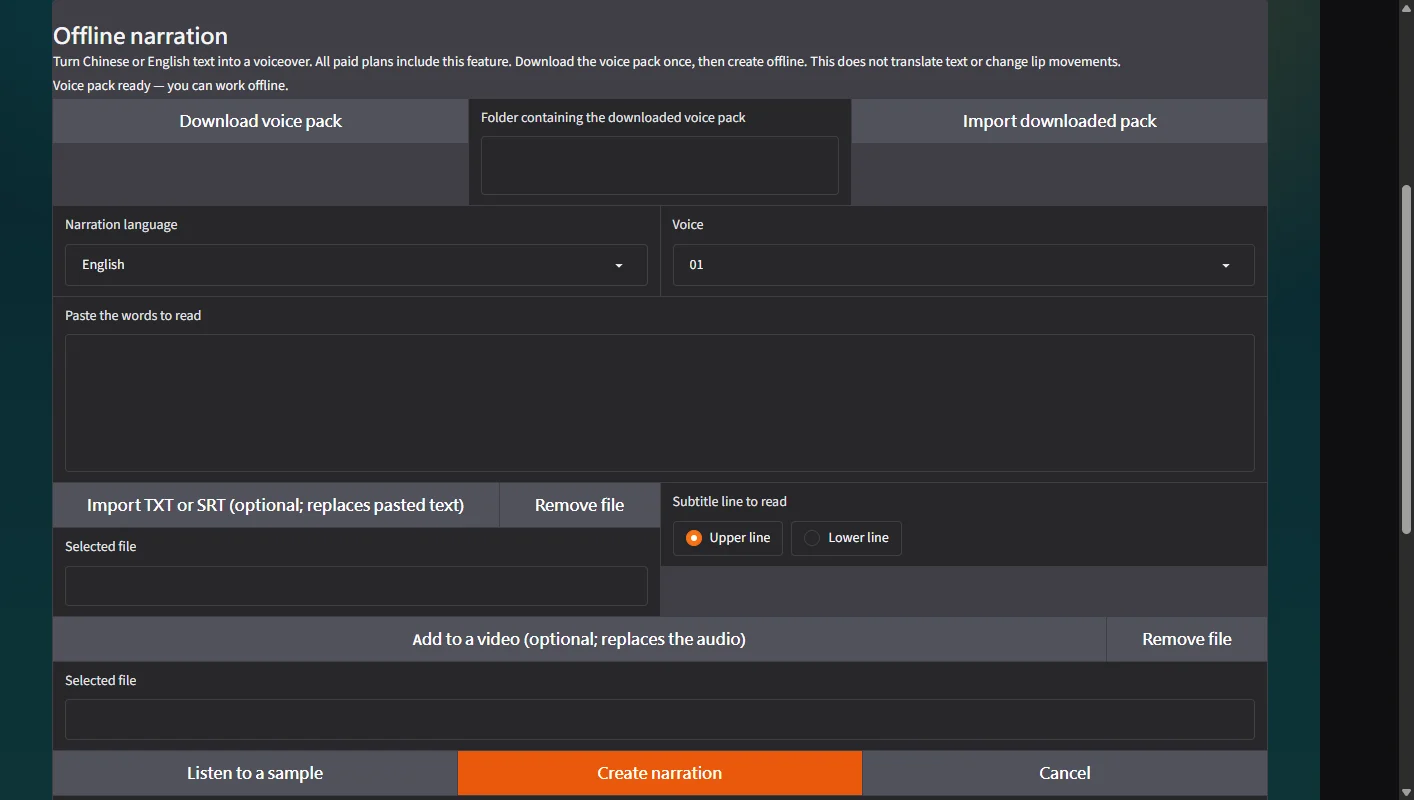
Choose Chinese or English, select a voice, and click Listen to a sample.
 Open full-size screenshot ↗
04
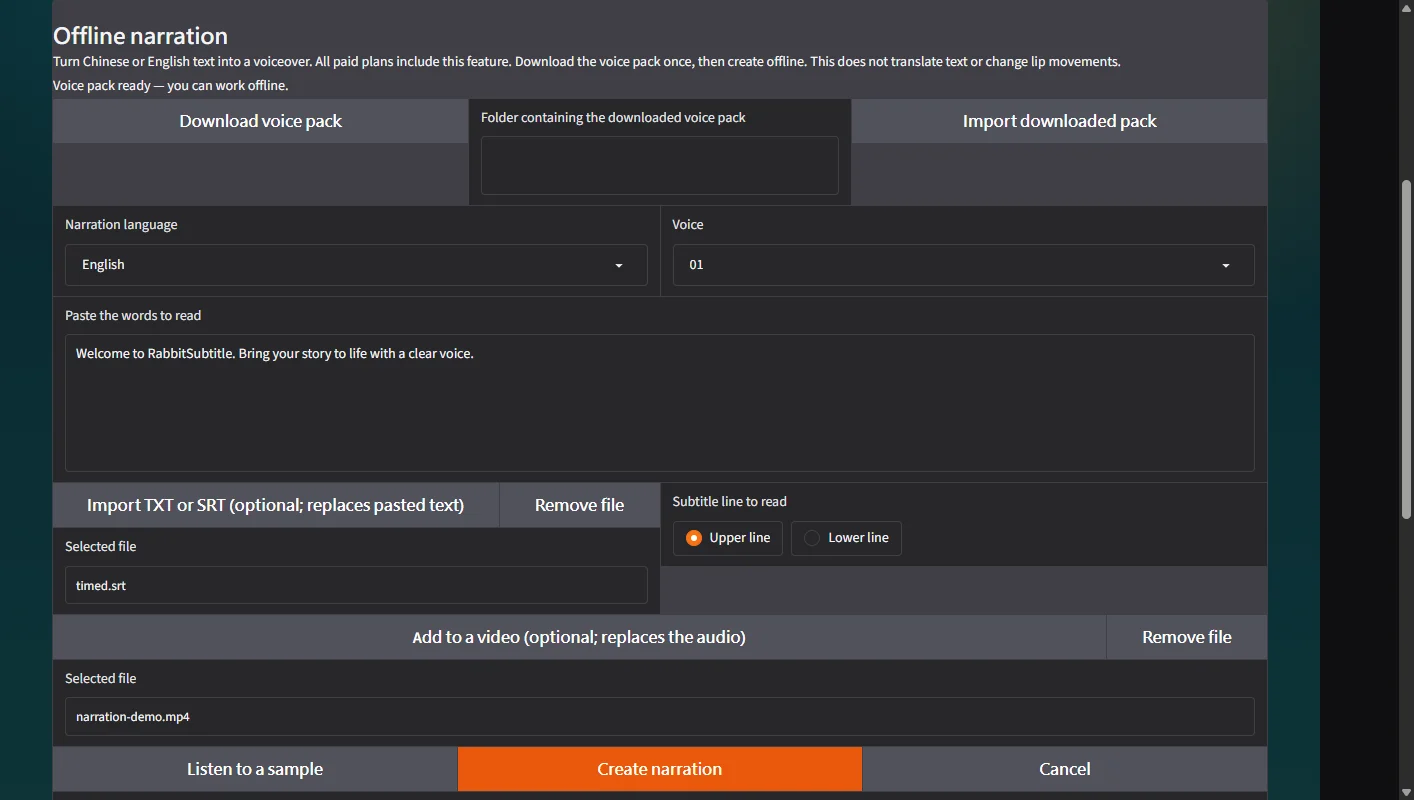
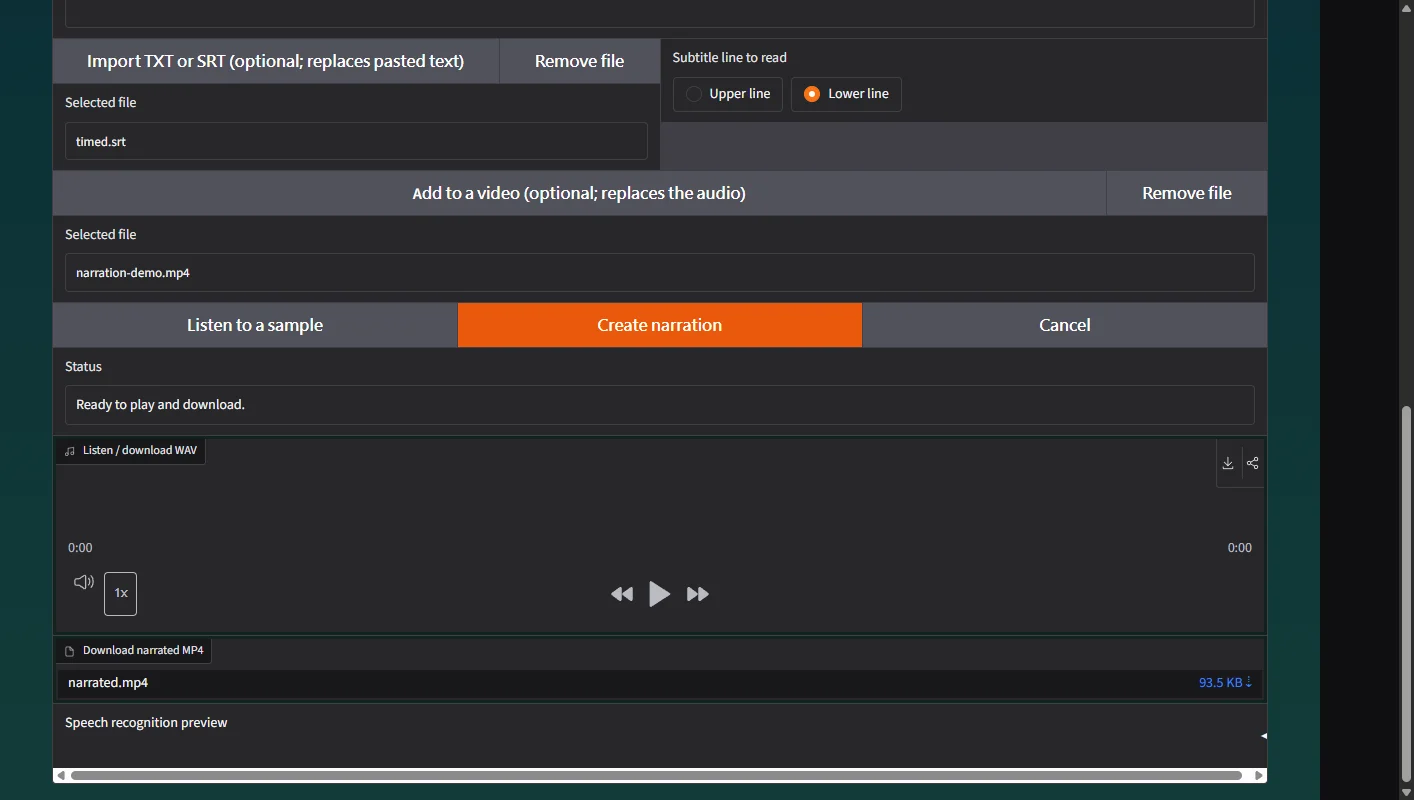
Import TXT or SRT (optional; replaces pasted text)
Paste your script or import a TXT or SRT file. For bilingual subtitles, choose the upper or lower line to read.
 Open full-size screenshot ↗
05
Create narration
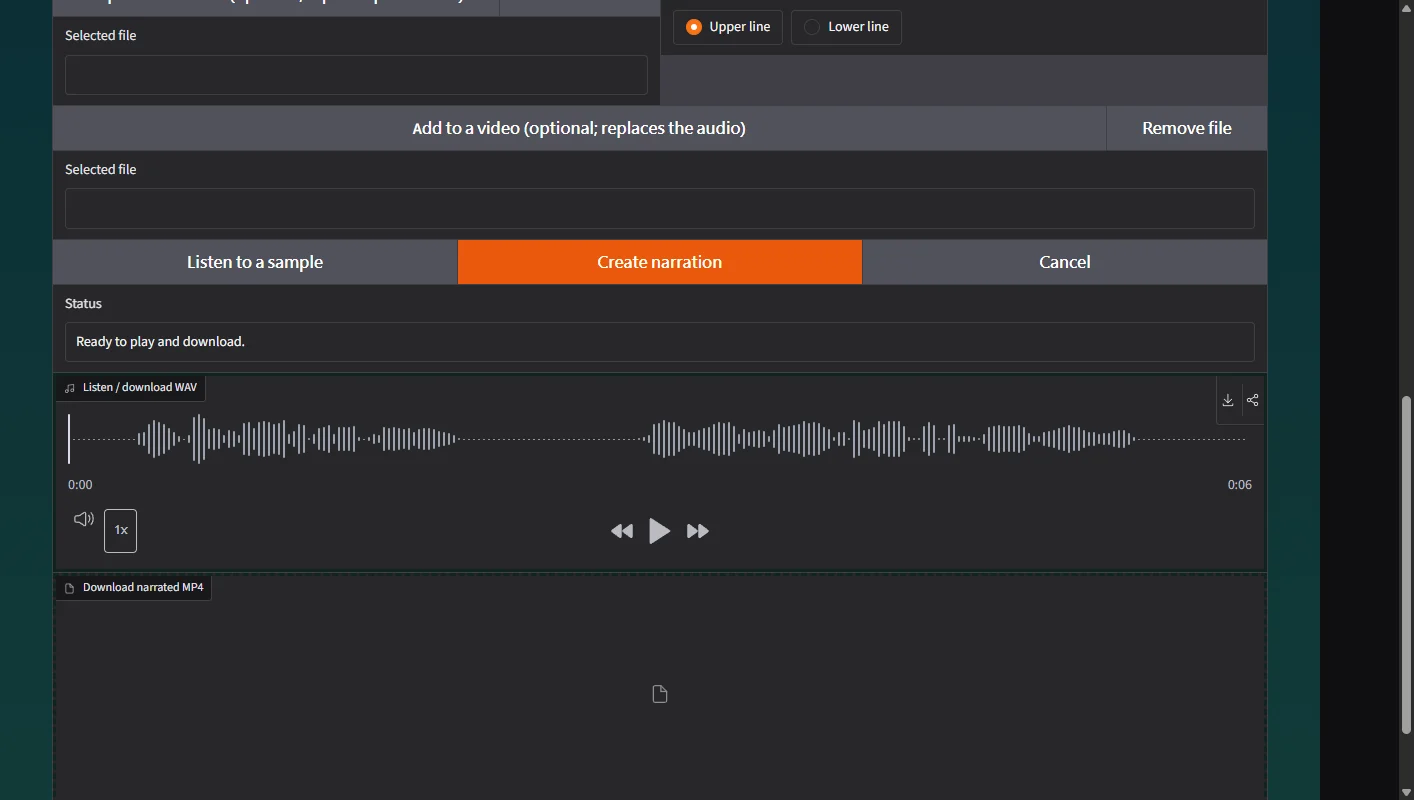
Click Create narration. If a subtitle is too long to read in its time slot, shorten it or extend its time and try again.
 Open full-size screenshot ↗
06
Listen / download WAV
Listen to the finished WAV. To add it to a video, choose the video and create again; the new MP4 replaces the original audio while keeping your source file.
 Open full-size screenshot ↗
What you receive
- A WAV recording you can play or use in your editor.
- If a video was selected: a separate MP4 with the new narration.
Troubleshooting
- Download interrupted: check the connection and retry. Completed pack files are kept.
- A subtitle takes too long: shorten that line or extend its time in your SRT.
- Narration longer than the video: shorten the script or choose a longer video.
Final verification
- Play the recording with sound and check the first and last sentences.
- For SRT input, check both the spoken language and the timing.
- Open your downloaded WAV or MP4 in another player.