
RabbitSubtitle field guide
Readable subtitle timing and line length
Use duration, character count, and natural phrase boundaries to improve comprehension.
Before you begin
- Know the delivery format, audience and frame rate.
Click-by-click
01
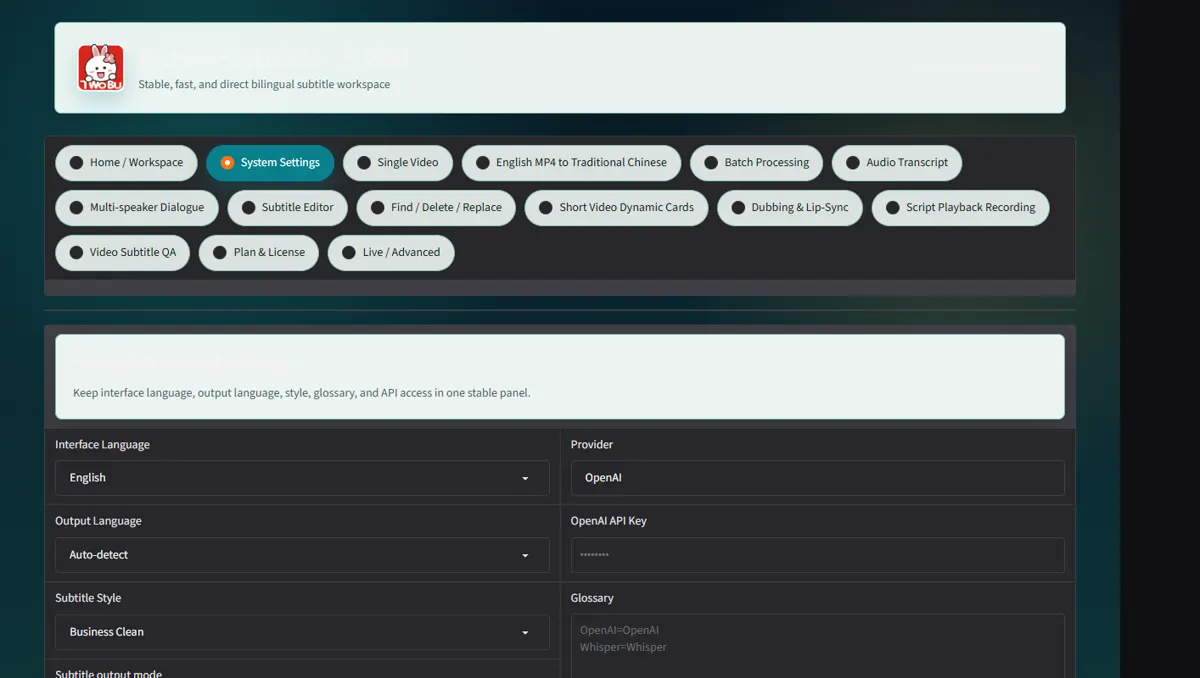
Choose Standard, Short-form or Strict pacing in Settings
Choose Standard, Short-form or Strict pacing in Settings.
 Open full-size screenshot ↗
02
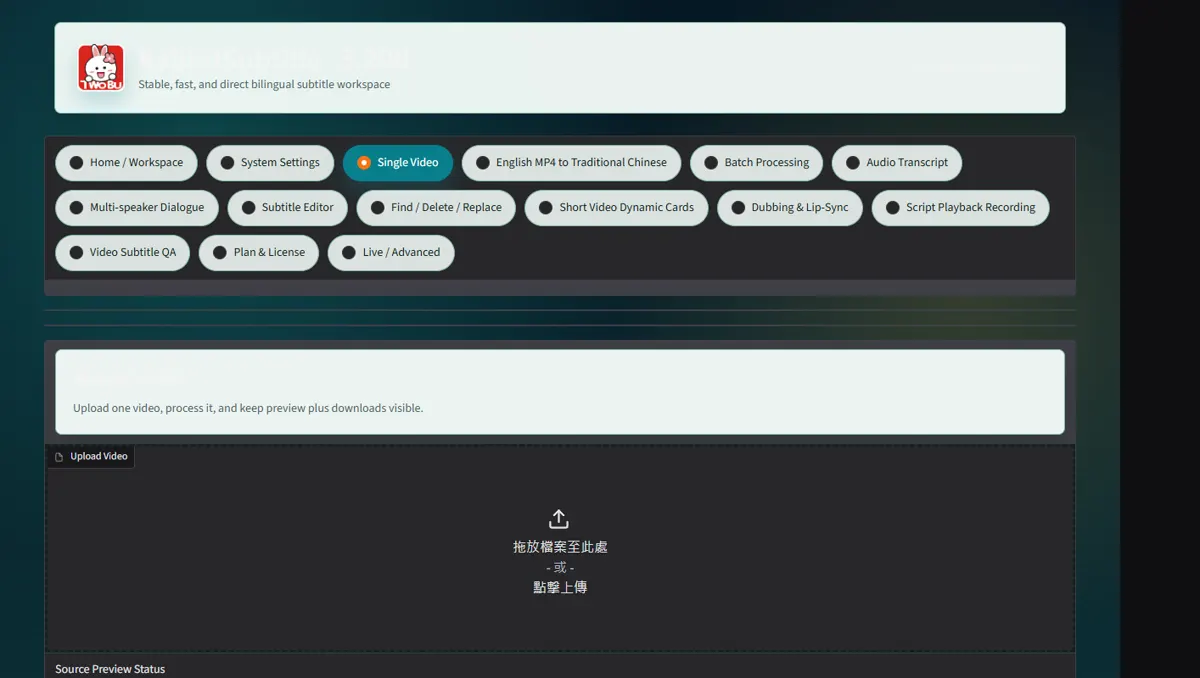
Generate or load the SRT, then find overly dense cues in Subtitle Editor
Generate or load the SRT, then find overly dense cues in Subtitle Editor.
 Open full-size screenshot ↗
03
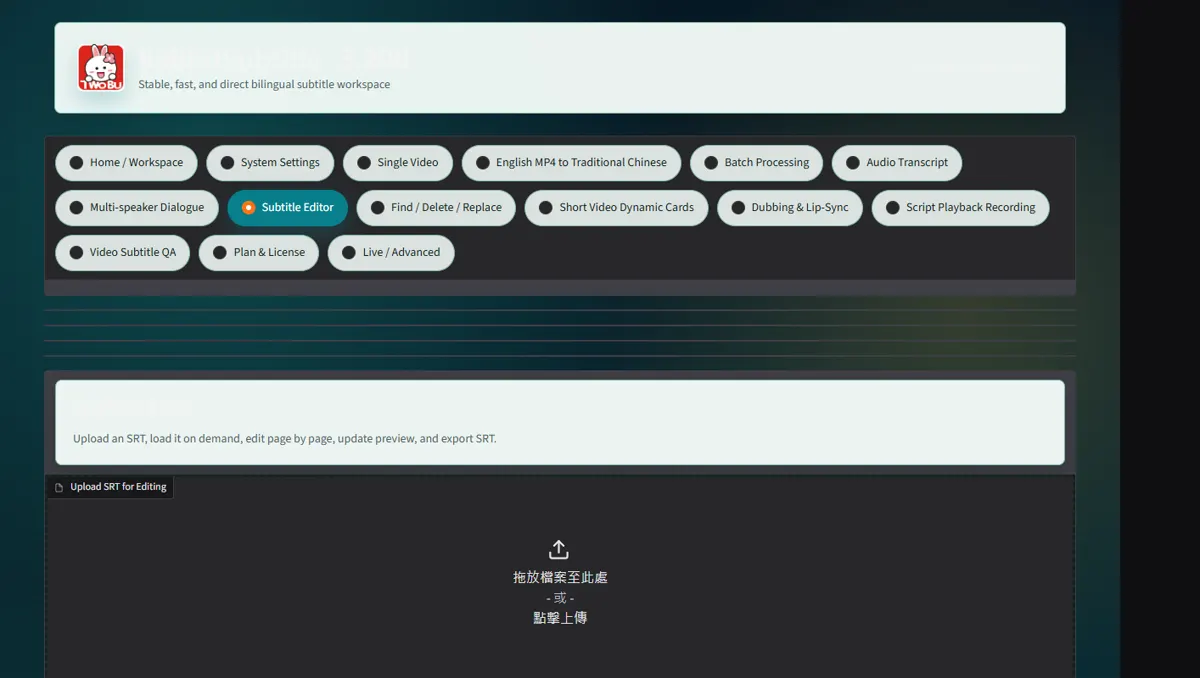
Split at natural phrases
Split at natural phrases; shift or scale the timeline only for global drift.
 Open full-size screenshot ↗
04
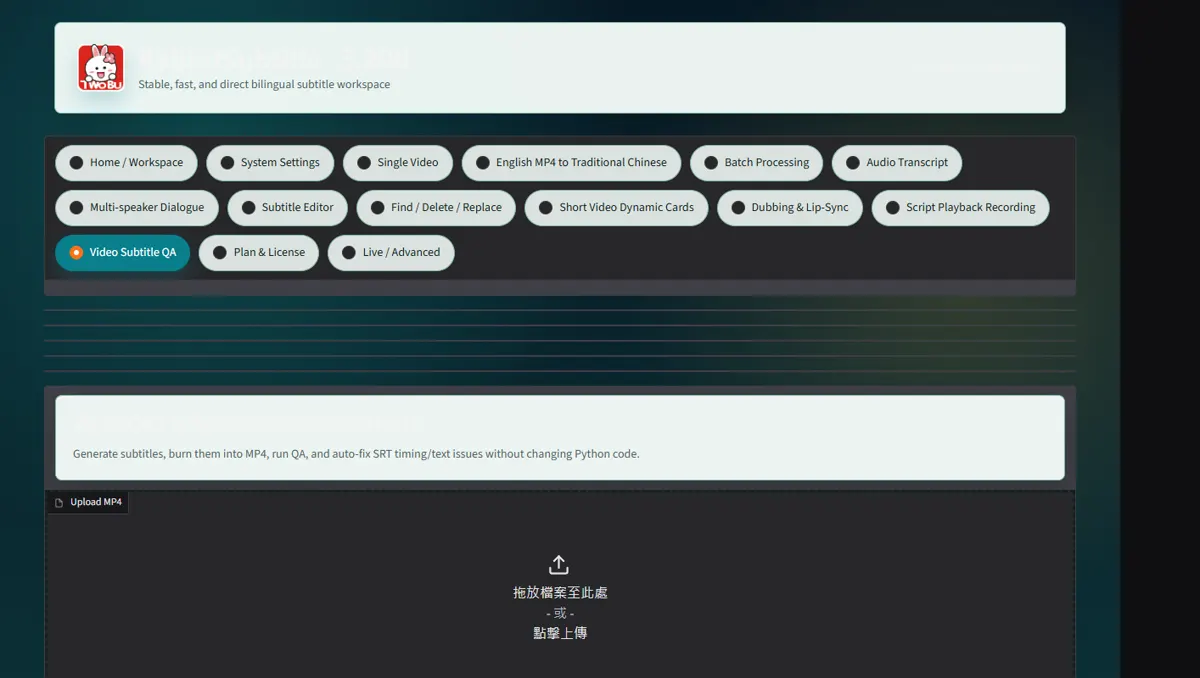
Use frame snap, repair overlaps and replay fast speech at normal speed
Use frame snap, repair overlaps and replay fast speech at normal speed.
 Open full-size screenshot ↗
What you receive
- Versioned output files and an auditable report
Troubleshooting
- Read the on-screen status and retry only the failed stage.
Final verification
- Open the result on another device and play it with sound.